2.4.1 Wordpress
Handleiding: Application Password aanmaken in WordPress
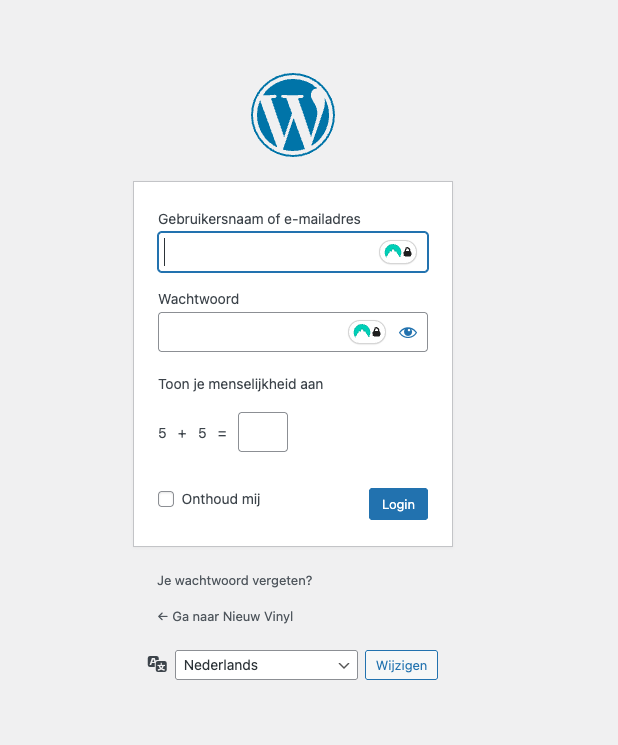
1. Log in op je WordPress website.
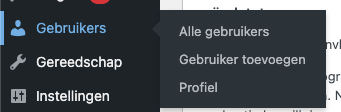
3. Scroll naar beneden tot je Application Passwords ziet. Typ een naam in het veld “New Application Password Name”.
- Kies iets herkenbaars, bijv. “MijnApp”.
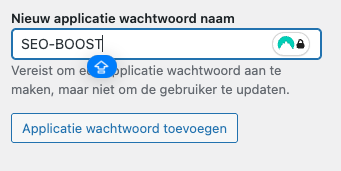
4. Klik op Add New Application Password.

Je krijgt nu een nieuw wachtwoord te zien (bijvoorbeeld abcd efgh ijkl mnop).
-
-
Kopieer dit wachtwoord meteen! Het wordt later niet meer volledig getoond.
-
5. Nu de laatste stap! Vul hier je gebruikersnaam en het wachtwoord in dat je zojuist hebt ontvangen.
